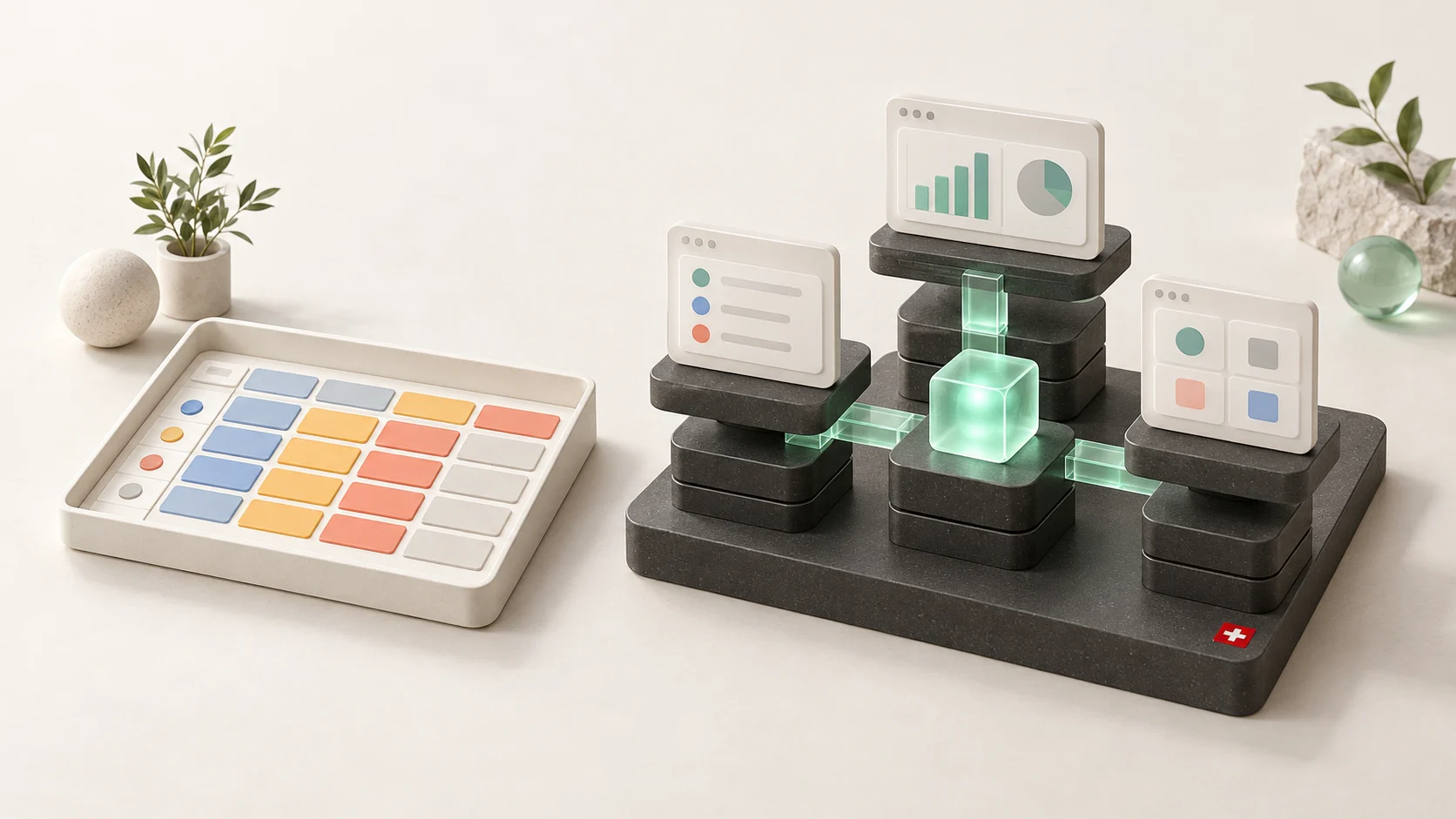
We have worked with both Airtable and Supabase. In our low-code work, we have seen Airtable used as the database behind many internal applications. We understand why people chose it. For a non-technical team, it made working with connected data feel approachable.
When we first started using Supabase after working with Airtable, there was a learning curve. The terminology was different. Relationships, queries and database permissions required more thought. We also found that the unfamiliar concepts became easier quite quickly once we started working with them.
Today, our recommendation is much more firmly in favour of Supabase. AI has changed how much technical knowledge a business user needs to get value from a database. In our view, that removes much of the reason to pay Airtable’s premium.
This comparison reflects our experience at Swiss Product Studio. The examples are illustrative; product facts are documented in the sources at the end.
Why Airtable made so much sense
For someone who knew Google Sheets or Microsoft Excel, Airtable felt like a natural next step. You could organise information in a familiar grid while building richer relationships between customers, projects, tasks and other records.
What stood out to us was the combination. Airtable was visually approachable, easier to understand than a traditional database tool, and came with its own automations and integration options. Its interfaces added another useful layer: teams could turn the data into internal dashboards and working screens. 1
That meant a business could get several benefits in one place:
- A workspace people could understand without learning SQL.
- Relationships between records that went beyond a basic spreadsheet.
- Automations and connections to other tools.
- Dashboards and interfaces for making the data useful to colleagues.
Those were good reasons to pay for Airtable. We think the important question now is how much of that premium still makes sense when AI can help you work directly with a more flexible database.
Supabase vs Airtable: the main differences
Airtable combines structured data with an interface people can use immediately. Teams can work with records, views, forms, interfaces and automations inside one platform. A project manager can organise work without first commissioning an application. 1
Supabase provides the backend: the database and services underneath an application. Its platform includes PostgreSQL, authentication, file storage, APIs and realtime capabilities. Your team’s working interface is built or connected separately. The Supabase dashboard is an administration tool, not a finished CRM or client portal. 2, 3
Airtable provides the working interface. Supabase provides the foundation for building one around your team’s needs.
| Business question | Airtable | Supabase |
|---|---|---|
| Can the team start working in a ready-made interface? | Yes | A working application interface must be added |
| Can operations staff adjust their own workspace? | A central strength | Application changes usually need a build process |
| How much control do we have over the user experience? | Within Airtable’s tools and extensions | A custom interface can follow the business workflow |
| What drives the platform bill? | Paid seats, plan and add-ons | Plan, compute and usage |
| Where is our preference? | Collaborative tracking and lightweight operations | Connected business systems and custom applications |
A Swiss SME example: from project tracker to client portal
Consider a Swiss service company working with German- and French-speaking clients. This is an illustrative example, not a client case study.
Initially, the team needs to track enquiries, assign projects and remember who owes them a document. Airtable could serve that purpose well. Staff can open the workspace, update records and see what needs attention.
Now imagine the requirements develop. Clients should upload documents themselves. Each client should see only their own projects. Staff need different permissions. The portal should display the appropriate language. An approved project milestone should trigger an accounting handoff to bexio, with the result recorded for the operations team.
For that system, we would favour Supabase.
We can design a common data model for clients, projects, documents and approvals, then build the screens each person needs. The client sees a simple portal. The operations team sees outstanding work. The accounting connection receives only the information required for its task.
The bexio connection would still need to be built and checked against its API. Supabase does not supply a complete Swiss accounting workflow out of the box. The benefit is having a foundation on which those connections can be designed consistently.
The database foundation still matters
Our preference also comes from what happens underneath the interface. PostgreSQL gives developers constraints, relationships and transactions for enforcing business rules. These protections have to be designed into the application. 2
In the service-company example, approving a milestone and recording the instruction to prepare an invoice could happen together. Sending it to bexio is still a separate operation that needs retry handling and protection against duplicates.
Supabase also offers self-hosting. For a Swiss buyer with specific infrastructure requirements, that provides another option to evaluate. It brings responsibility for running the system, and moving authentication, files or integrations later can still take work. 4
Those are lasting advantages in our view. AI changes how accessible they are to the people using the system.
AI has changed the part that used to hold people back
For us, Supabase’s appeal was always the database underneath it. PostgreSQL gives a builder more control over relationships, queries and business rules. The obstacle for many business users was understanding how to work with it.
Take a junction table. It is simply a table that connects records when each side can have several relationships. A property can have several owners, and an owner can have several properties. A junction table records those connections.
The first time you encounter one after working in Airtable, it is reasonable to wonder why you need another table at all. Previously, answering a business question across those relationships might also mean writing a query or asking someone technical to write it.
With an appropriately connected AI assistant, the interaction can start with the question you actually want answered:
Example question: “Can you find all the payments this customer has made?”
Or, for a Swiss property business:
Example question: “Which properties have we managed and rented out in Zurich city?”
The assistant can inspect the permitted data structure, prepare the query and return the result. You no longer need to understand every join before asking a useful question. Supabase’s MCP integration provides tools for AI-assisted database work, including project scoping and read-only access. 5
The question still needs a precise meaning. Does “payments made” include refunds? Does “managed and rented out” mean currently let, or at any point in the past? Does Zurich mean the city or the canton? A useful assistant should clarify those distinctions and show what its answer includes.
In our experience, AI is a better fit for working with Supabase and PostgreSQL than with Airtable. That is our assessment from using the tools, not a published benchmark or a claim that every AI assistant performs equally well.
The same change affects interfaces. AI can help build an internal dashboard over the database. A property manager might need a screen for rental status, outstanding payments and missing documents, with German and French labels for different colleagues. That interface still needs testing and maintenance, but creating it is more approachable than it used to be.
This is the shift behind our recommendation. Much of what made Airtable worth paying more for was the easier access to your data. AI gives businesses another way to get that access, while keeping a PostgreSQL foundation underneath.
Airtable has its own conversational app-building and AI features too. Our preference is about the foundation we want to build on and how we want to work with it. 6
Give AI the access its job requires
There is an obvious concern: if AI can query the database, could it also delete the data?
That depends on the access you give it. A reporting assistant should have read-only access to the information it needs. There is no reason to give it deletion rights just to answer a question about customer payments.
This needs to be enforced through the connection, database permissions and available tools. An instruction saying “please do not delete anything” is not a permission boundary.
Supabase’s official MCP server operates with developer permissions and is intended as a development tool. It should not simply be handed to customers or employees as their business assistant. A business-facing assistant needs a deliberately restricted connection or application API, with access appropriate to that user. 5
Row Level Security can restrict which records a connection may access, but privileged roles and service credentials can bypass it. The setup must account for the actual credentials and tools the AI uses. 7
For the Zurich property example, we would start with access to only the approved reporting data. Reading rental status need not expose every tenant document. Updating a record would be a separate capability, with its own permissions and confirmation requirements.
AI-generated tables and policies are not automatically safe. This is where professional help can still be valuable: define the access, test what is denied, protect credentials and check recovery arrangements before relying on the system.
Once that foundation is correctly set up, the business user can focus much more on asking questions and using the answers. That is the benefit we think changes this comparison most.
Supabase vs Airtable pricing: compare the annual cost
Airtable charges for billable collaborators. Supabase charges for its platform and resource usage. The difference becomes visible as more people need to work with the system.
Airtable Team costs USD 20 per billable user per month on annual billing; Business costs USD 45. Supabase Pro starts at USD 25 per month, including compute credits for one Micro project. The table uses those published prices, checked on 15 October 2026. 1 3
Annual platform fees, in USD
| Billable seats | Airtable Team | Airtable Business | Supabase Pro starting fee | Fee difference† |
|---|---|---|---|---|
| 5 people | $1,200 | $2,700 | $300 + usage | $2,400 |
| 10 people | $2,400 | $5,400 | $300 + usage | $5,100 |
| 25 people | $6,000 | $13,500 | $300 + usage | $13,200 |
| 50 people | $12,000 | $27,000 | $300 + usage | $26,700 |
| 100 people | $24,000 | $54,000 | $300 + usage | $53,700 |
Seat assumption: Each person is assumed to require a billable Airtable seat. Read-only viewers and external app users are not automatically billable collaborators. Check the access model before multiplying headcount by a seat price.
Cost assumption: The Supabase column is a starting fee, not a workload estimate. Additional compute, projects, usage and add-ons can increase it. † The last column subtracts the USD 300 annual Supabase Pro base fee from Airtable Business. It is a platform-fee difference, not net savings: it excludes building the interface, AI tools, hosting outside Supabase, integration work, maintenance and taxes.
For ten billable Airtable Business seats, the annual subscription is USD 5,400. Supabase Pro starts at USD 300 a year. That leaves a USD 5,100 difference before accounting for the rest of the system. We would use that difference to examine the business case, rather than assume it all becomes savings.
Our view is straightforward: if AI-assisted access and a suitable interface meet your needs on Supabase, the additional Airtable subscription needs a clear justification. We would rather leave avoidable spending in the company’s bank account.
For a Swiss SME budgeting in CHF, compare implementation, subscriptions, hosting and maintenance over the same period. Keep USD charges separate until applying an explicit exchange-rate assumption. A small team whose needs fit Airtable’s workspace may still spend less overall by using it.
Capacity matters too. Airtable’s Web API is limited to five requests per second per base, shared by the integrations using that base. For data-heavy, connected systems, we prefer the control Supabase gives us over queries and resources. Actual speed still depends on the data model, compute and workload. 8
Swiss data hosting: Supabase offers Zurich
Supabase lets you store your primary project data in Zurich, Switzerland. Airtable does not list a Swiss data-residency option. For Swiss businesses that require a local database location, this is another concrete reason we favour Supabase. 9 10
When creating a Supabase project, select the specific Central Europe (Zurich) region, identified as eu-central-2. Choosing a general Europe region does not guarantee Switzerland.
Airtable documents US, Europe and Australia residency options, with regional residency available on Enterprise Scale. Its European option uses Frankfurt, with backups in Dublin. That is European hosting, but it does not satisfy a requirement for storage in Switzerland. 11
The Zurich option applies to primary project data. Check backups, logs, connected services and AI-provider processing separately before claiming the whole system stays in Switzerland. An AI assistant can send information elsewhere even when the database is local.
For us, being able to choose Zurich directly is a meaningful advantage. It lets the hosting decision follow a Swiss client’s requirements from the start.
When we would still choose Airtable
We would favour Airtable when the main job is collaborative tracking, its existing interface works well, and the operations team needs to change that workspace independently.
An editorial calendar, a project intake board or a small internal tracker may not justify a custom application. If the current setup works reliably and costs are reasonable, replacing it needs a concrete business case.
For the Swiss service company, the shared project tracker could remain in Airtable until client access, accounting handoffs or permission requirements justify a different approach.
Our recommendation
Airtable made more powerful data tools accessible to non-technical teams. We valued that ourselves, and we still understand its appeal.
But the reasons for choosing it have changed. AI can help create tables, work across relationships, answer questions and build the dashboards a team needs. In our view, that substantially reduces Airtable’s advantage for a business starting a new system today.
Our default recommendation is Supabase, with a properly designed data model and carefully restricted AI access. We see more long-term value in that combination for connected business systems, including internal tools that employees use every day.
For a Swiss SME, start with the questions and workflows that matter: customer payments, property activity, project approvals, language requirements, accounting handoffs and where the data must be stored. Then decide who should be able to read or change each piece of information.
If Airtable already solves the job well, a migration still needs to justify its cost. For a new build, however, we would need a specific reason to choose Airtable over Supabase.
If you want help making that decision, book a first call with Swiss Product Studio.
Sources and further reading
Product documentation and pricing checked on 15 October 2026. Our recommendations and descriptions of working with both tools are Swiss Product Studio’s own experience and opinion. Prices and available regions can change.
- Airtable platform and pricing. ↑1 ↑2 ↑3
- Supabase database documentation. ↑1 ↑2
- Supabase pricing and platform features. ↑1 ↑2
- Supabase self-hosting. ↑1
- Supabase MCP documentation. ↑1 ↑2
- Airtable AI. ↑1
- Supabase Row Level Security. ↑1
- Airtable API limits. ↑1
- Supabase regions. ↑1
- Airtable data residency. ↑1
- Airtable server locations. ↑1